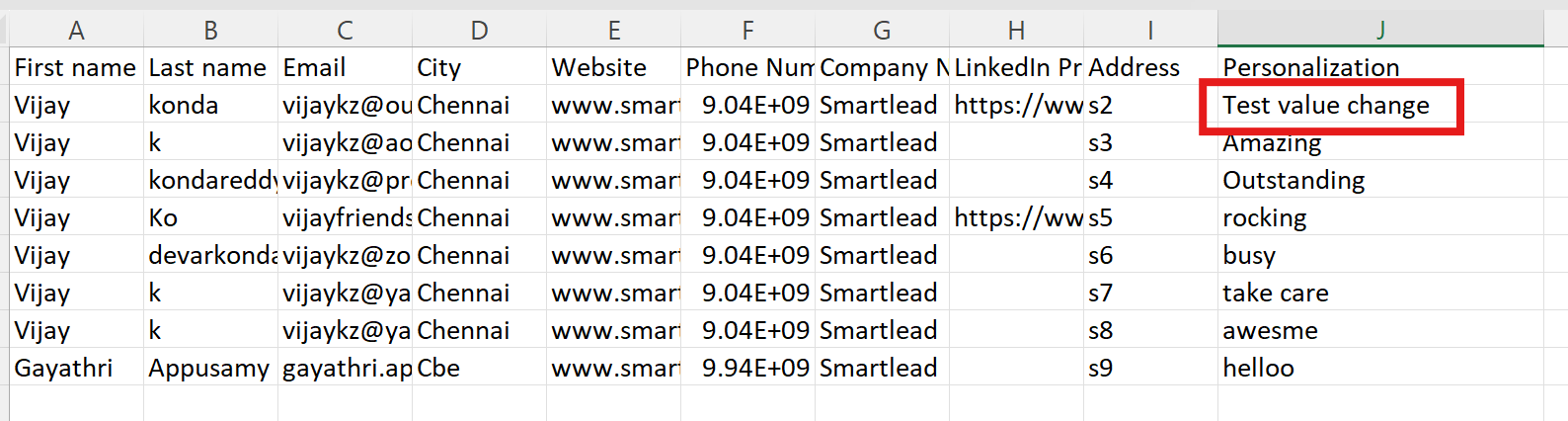
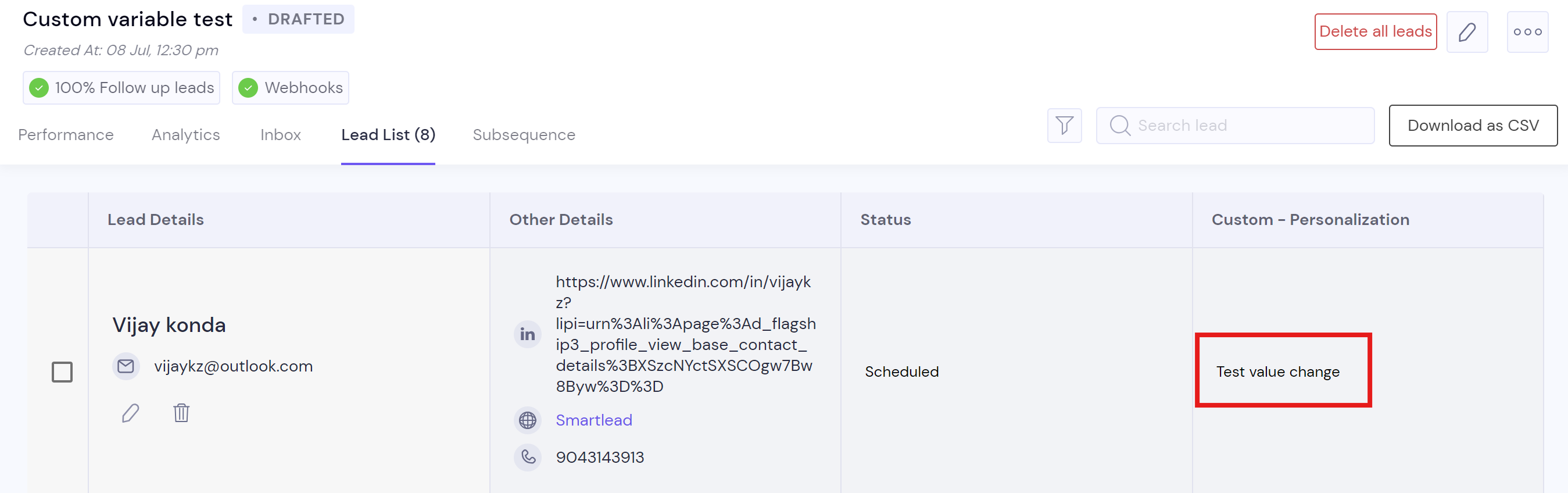
1. Go to your campaign --> Edit icon --> Import leads section.
2. Click on import leads --> select the same CSV file from the files.
3. Here comes the next important step to map the newly added columns from your CSV file to the campaign as custom fields.
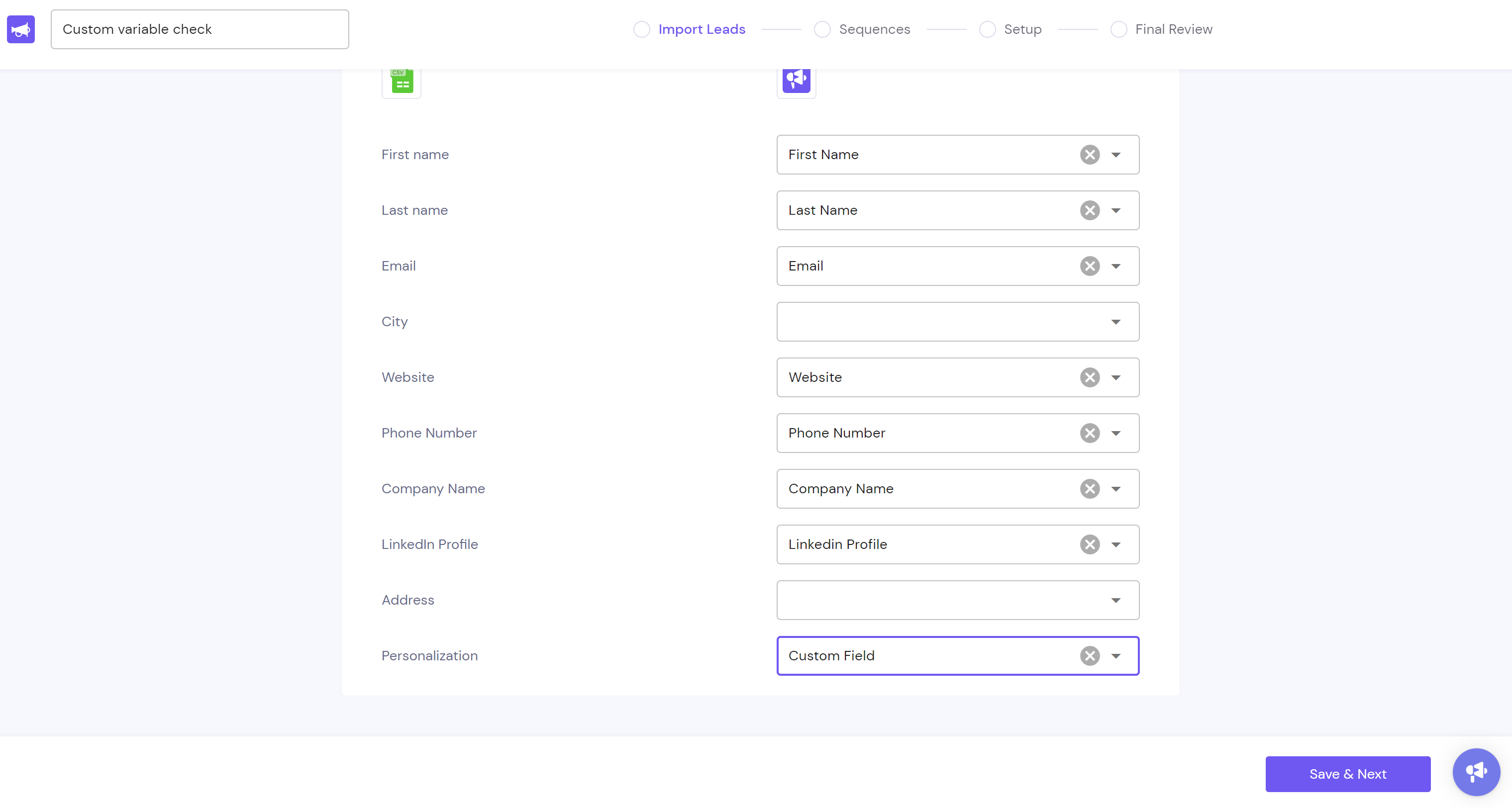
4. After mapping, click on save and next.5. You can check the newly added custom variables in the campaign "Lead list" section.
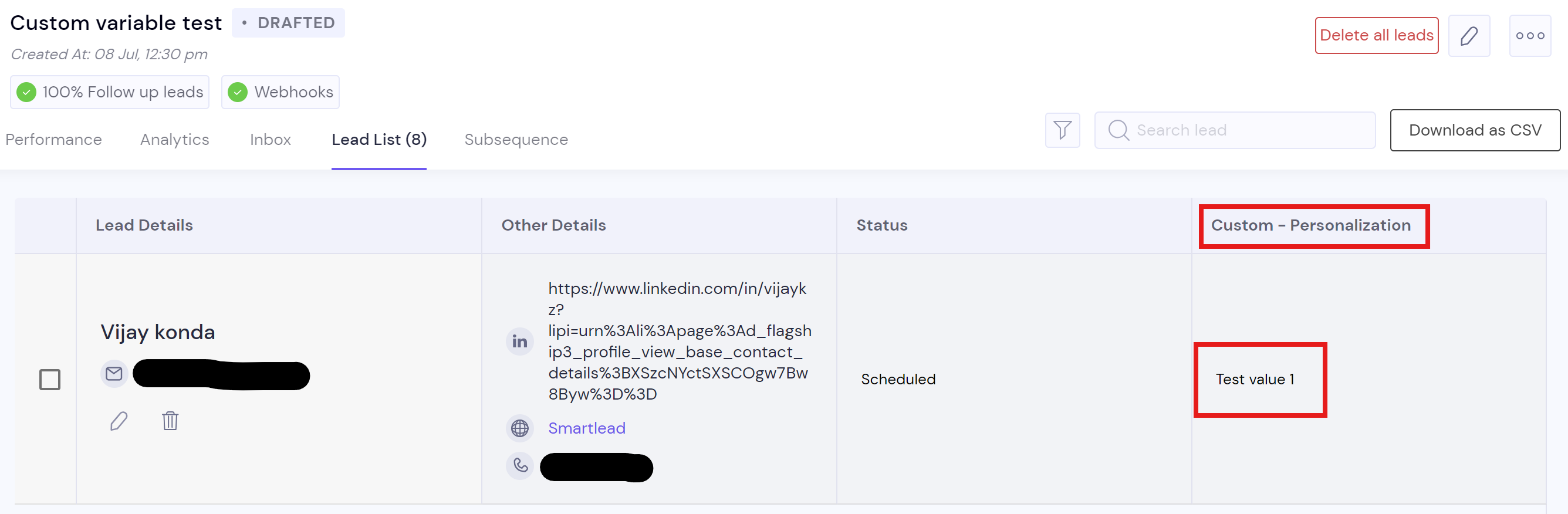
Updating custom variable