You can use keyboard shortcuts to take various actions against a lead. From assigning a lead to blocking it, you can do it all by just pressing keys on your keyboard. This feature not only enhances productivity but also frees up valuable time for other important tasks.

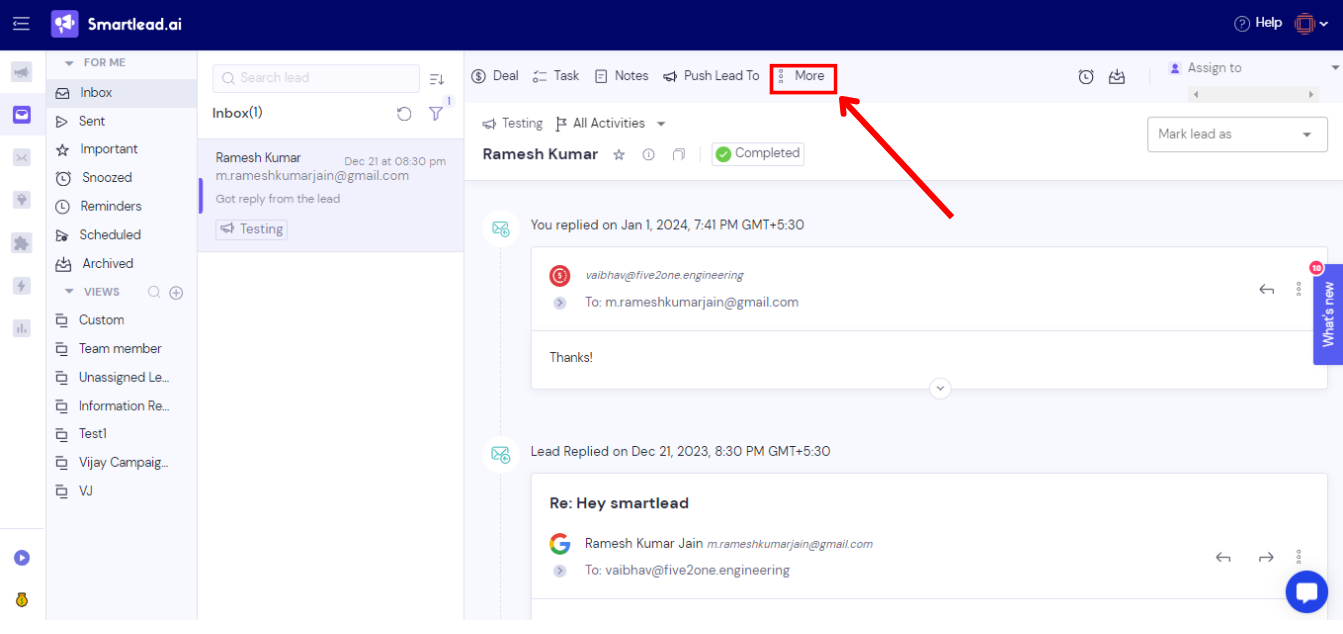
You will get 6 options by clicking on “More”:
Click on “Keyboard Shortcuts” to see available shortcut options on master inbox.

Here are the keyboard shortcuts available on master inbox.

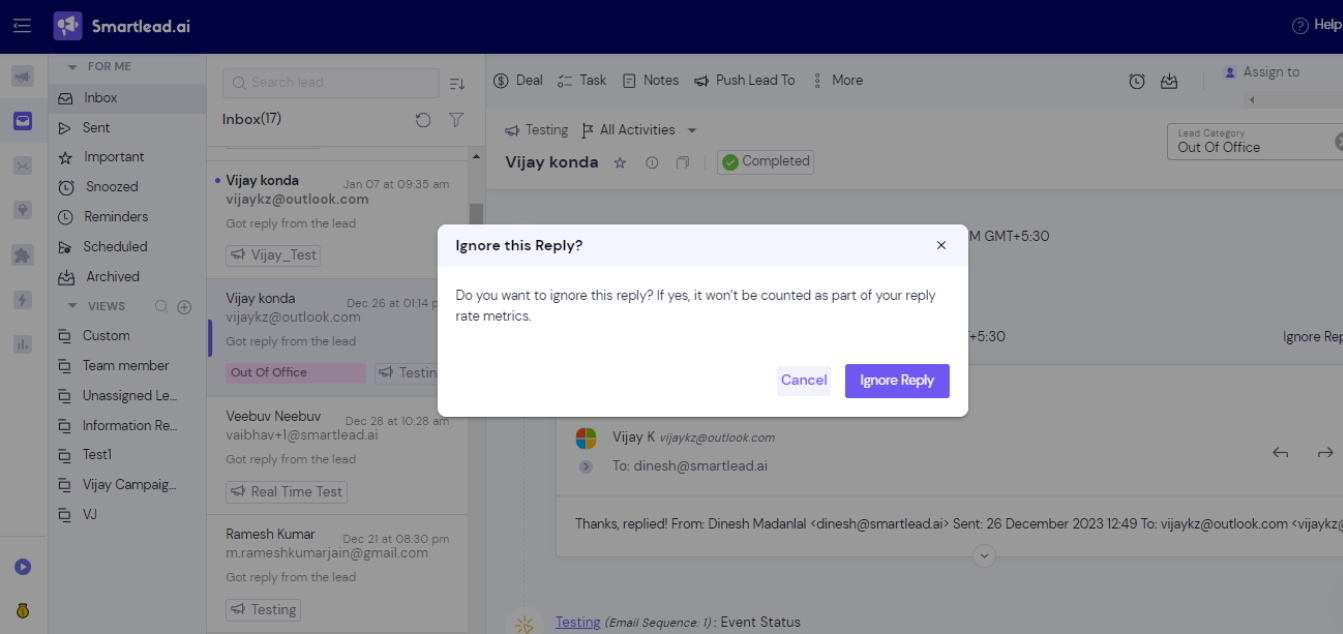
For example, I have pressed the keys O+ L to automatically mark a lead as OOO.
There will be a pop-up box asking you to confirm your choice. In my case, the pop-up box asked, “Do you want to ignore this reply? If yes, it won’t be counted as part of your reply rate metrics.Do you want to ignore this reply? If yes, it won’t be counted as part of your reply rate metrics.”
To go ahead with the action, I will click on “Ignore reply,” and it’s done. This lead will be marked as OOO.
Similarly, you can click on a lead and press the shortcut keys for the particular action.
Here’s another example.
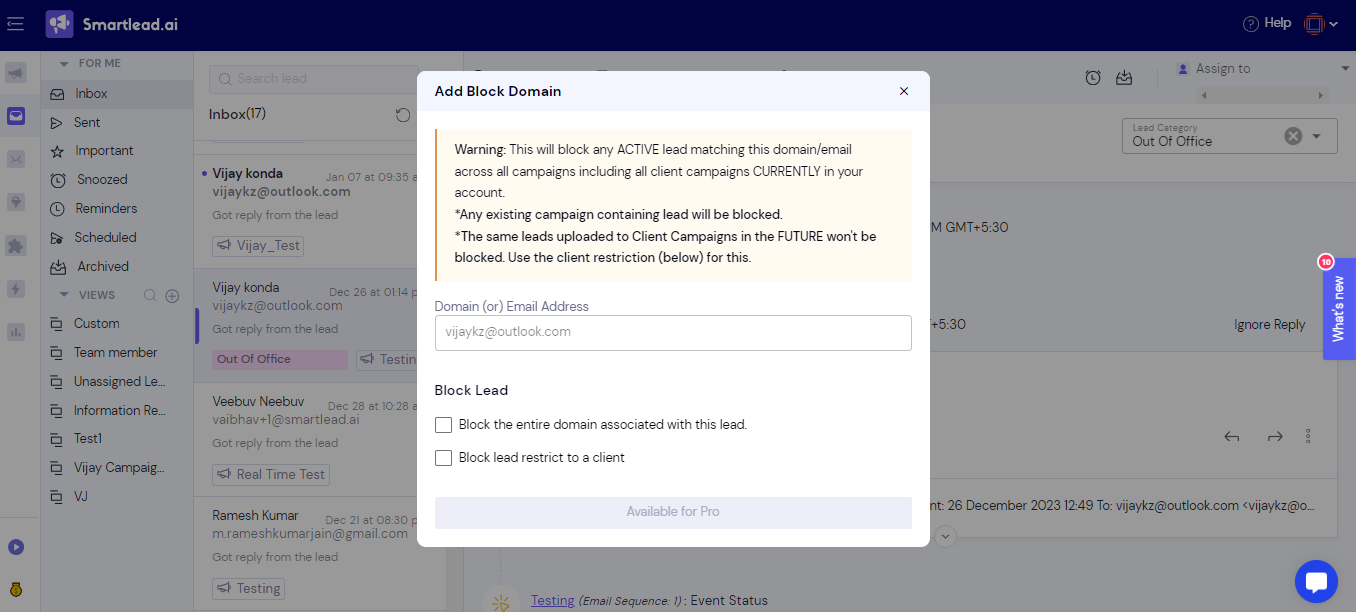
To block a lead, press B and L at the same time. You will see a pop-up box as shown below. You can fill it as per your requirements and the lead will be blocked.
This is how you can use keyboard shortcuts to take various actions against a lead. Happy emailing!
